Your First Church
This guide walks an Admin through setting up Kairos for a new church from scratch. If your church is already set up, skip to Platform.
Step 1: Create a Region
Regions are geographic groupings for your branches. Start here.
Go to Regions in the sidebar and click + New Region. Enter the region name and country.
Examples from Kharis Church: Greater Accra (Ghana), United Kingdom, Western Area (Sierra Leone).
Step 2: Create your first Branch
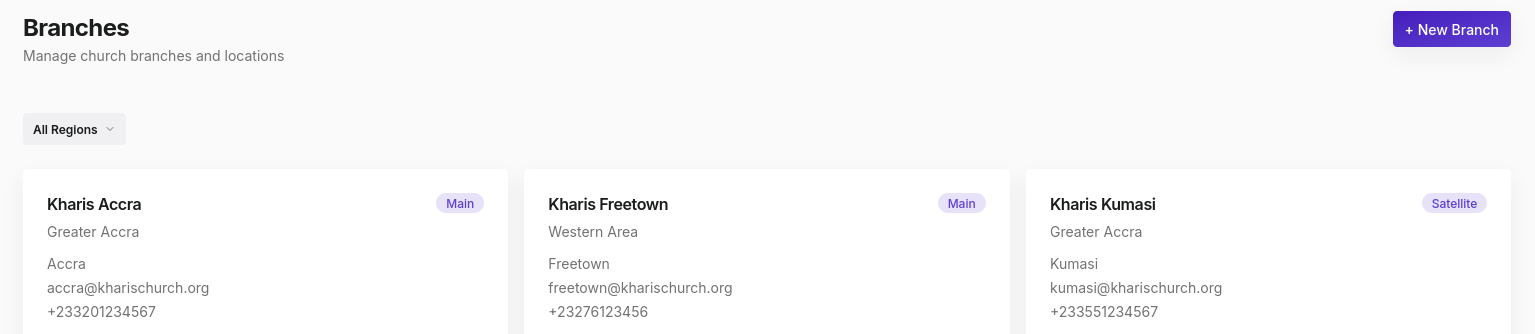
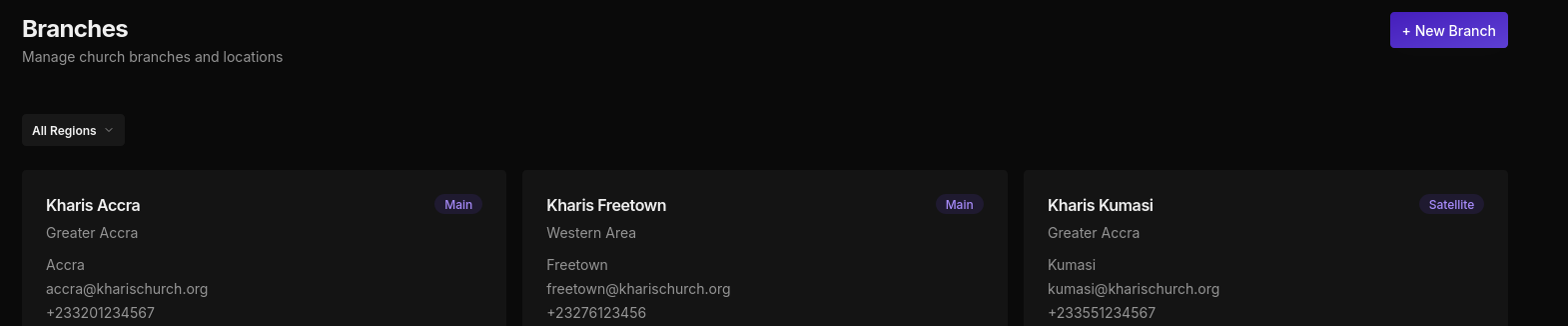
Go to Branches and click + New Branch. Fill in:
- Branch name (e.g. "Kharis London Central")
- Branch type (Main, Satellite, Campus, Cell, or Online)
- Region
- City, address, phone, and email
Step 3: Assign a Pastor
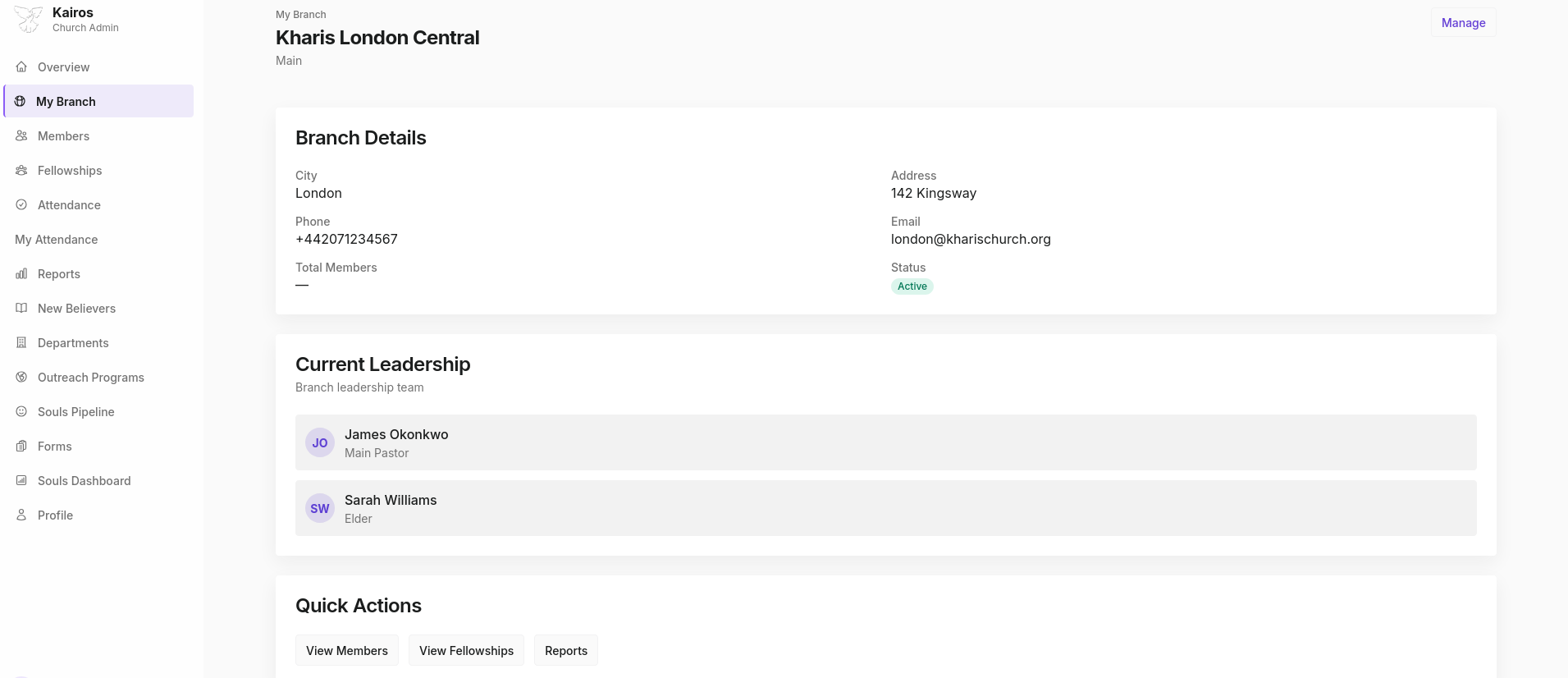
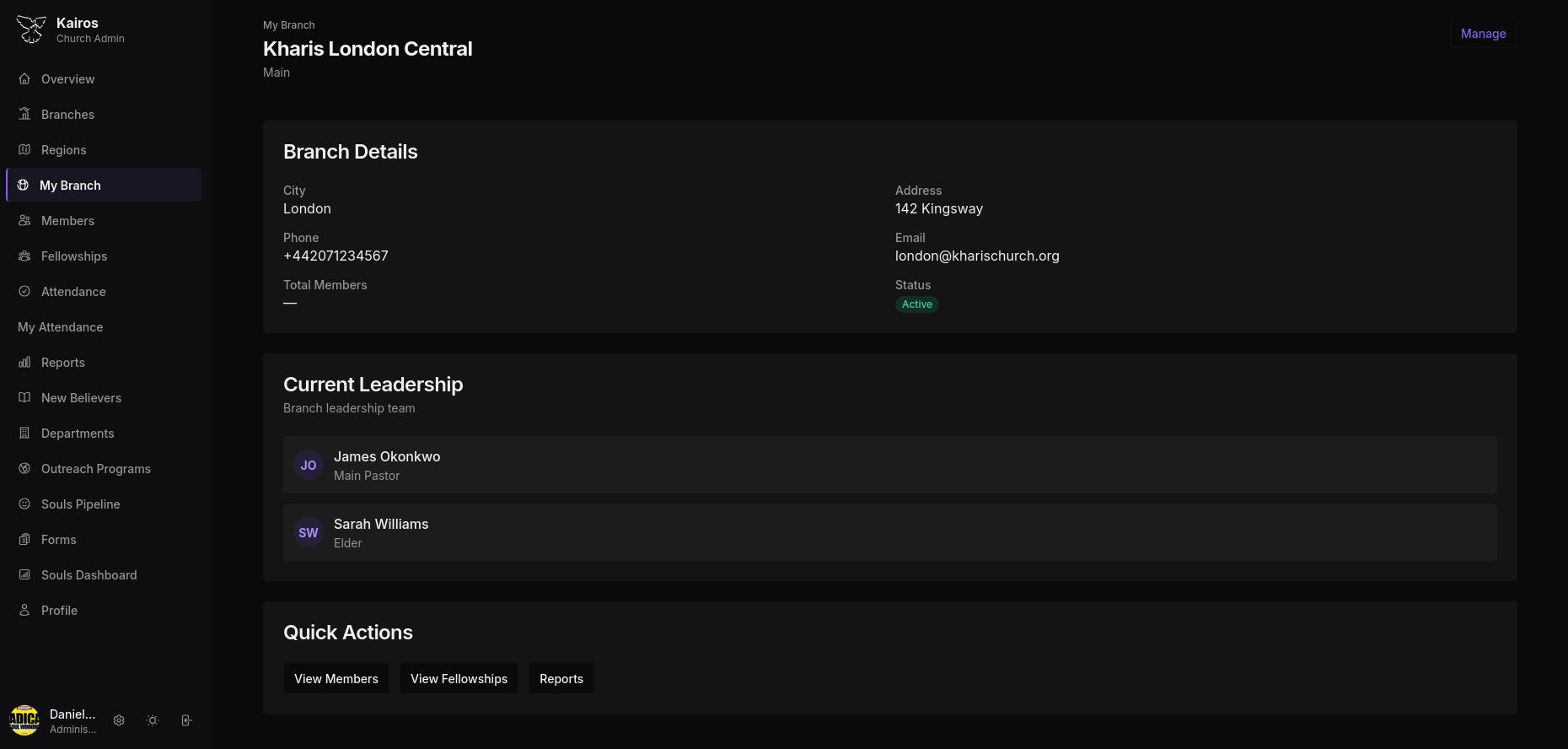
Once your branch exists, open it from My Branch and use the Current Leadership section to assign a Main Pastor. Only members who exist in the system can be assigned.
Step 4: Add Members
You can add members one at a time via Members → + Add Member, or bulk import them via Import CSV. Members need to be assigned to a branch during creation.
After adding members, any who self-registered will appear in the Approval Queue under the Members page header. Approve them to grant access.
Step 5: Set up Fellowships
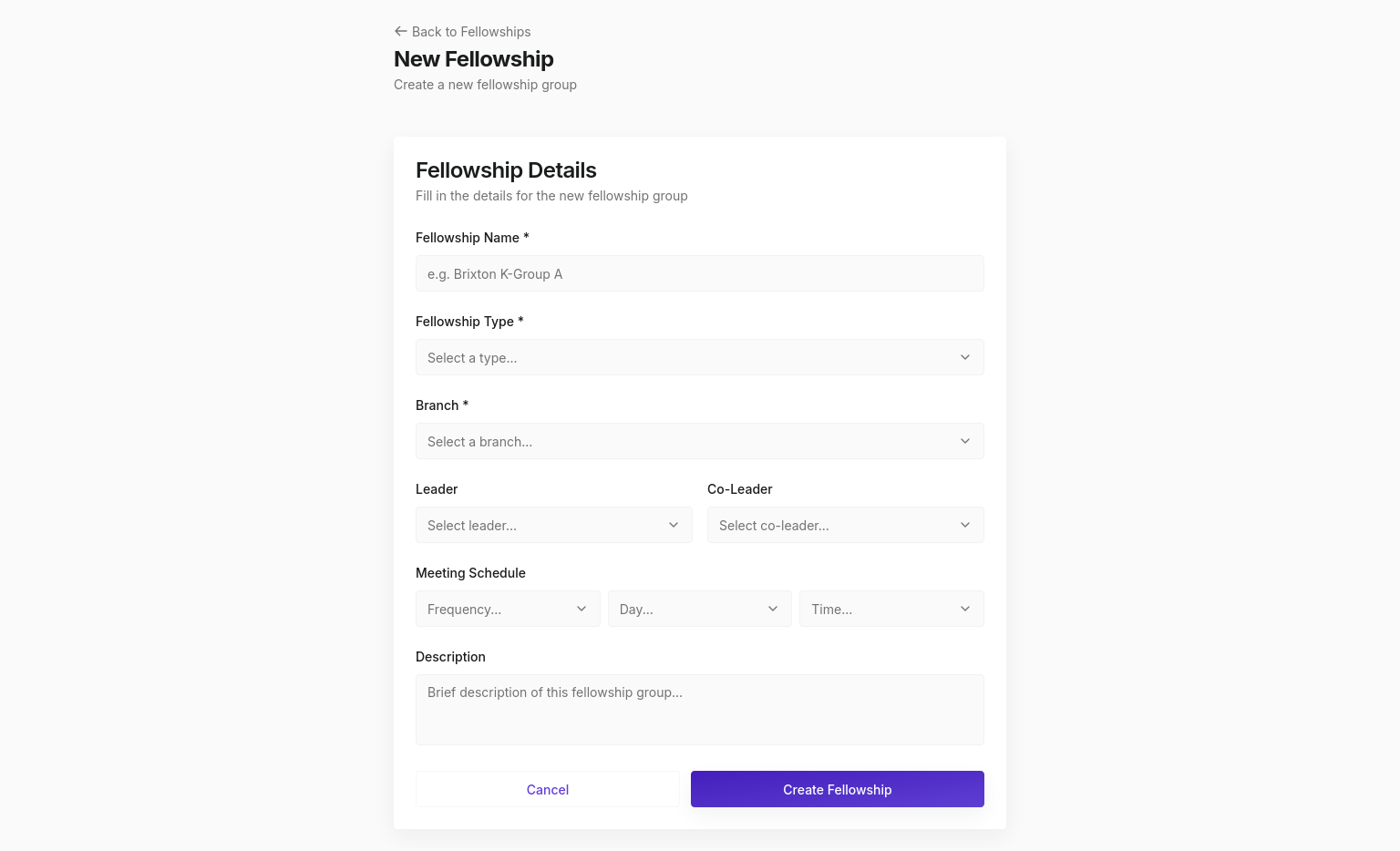
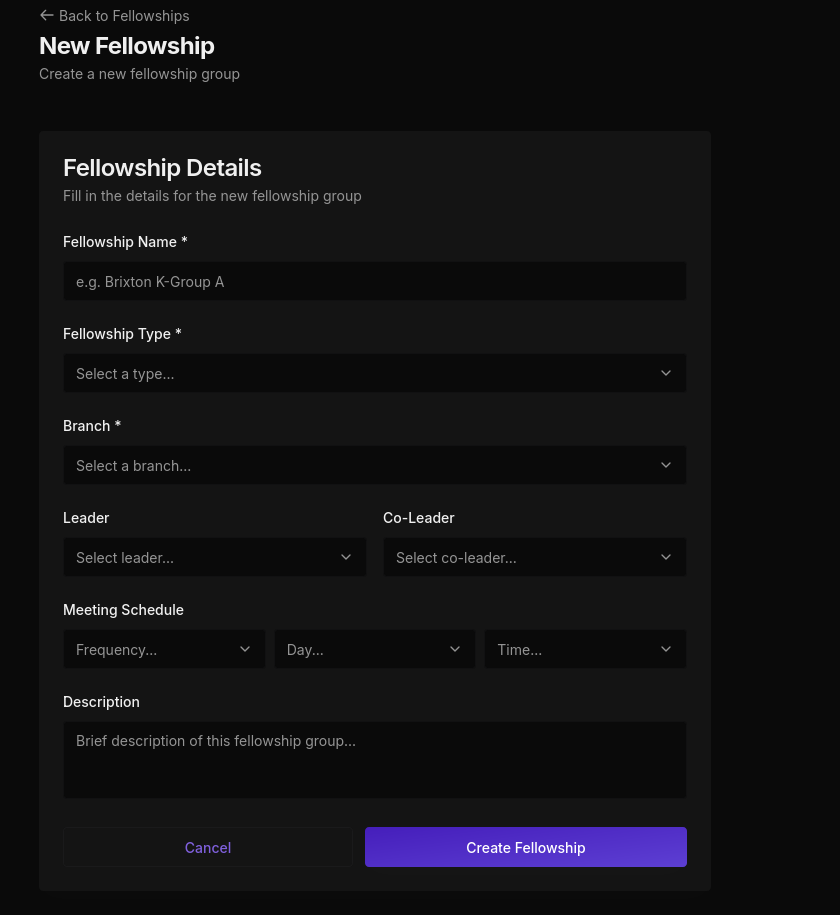
Go to Fellowships → + New Fellowship and create your first small group. Assign a leader, set the fellowship type (K-Groups, Kharis Express, New Breeds, etc.), and add a meeting schedule.
Step 6: Set up Departments
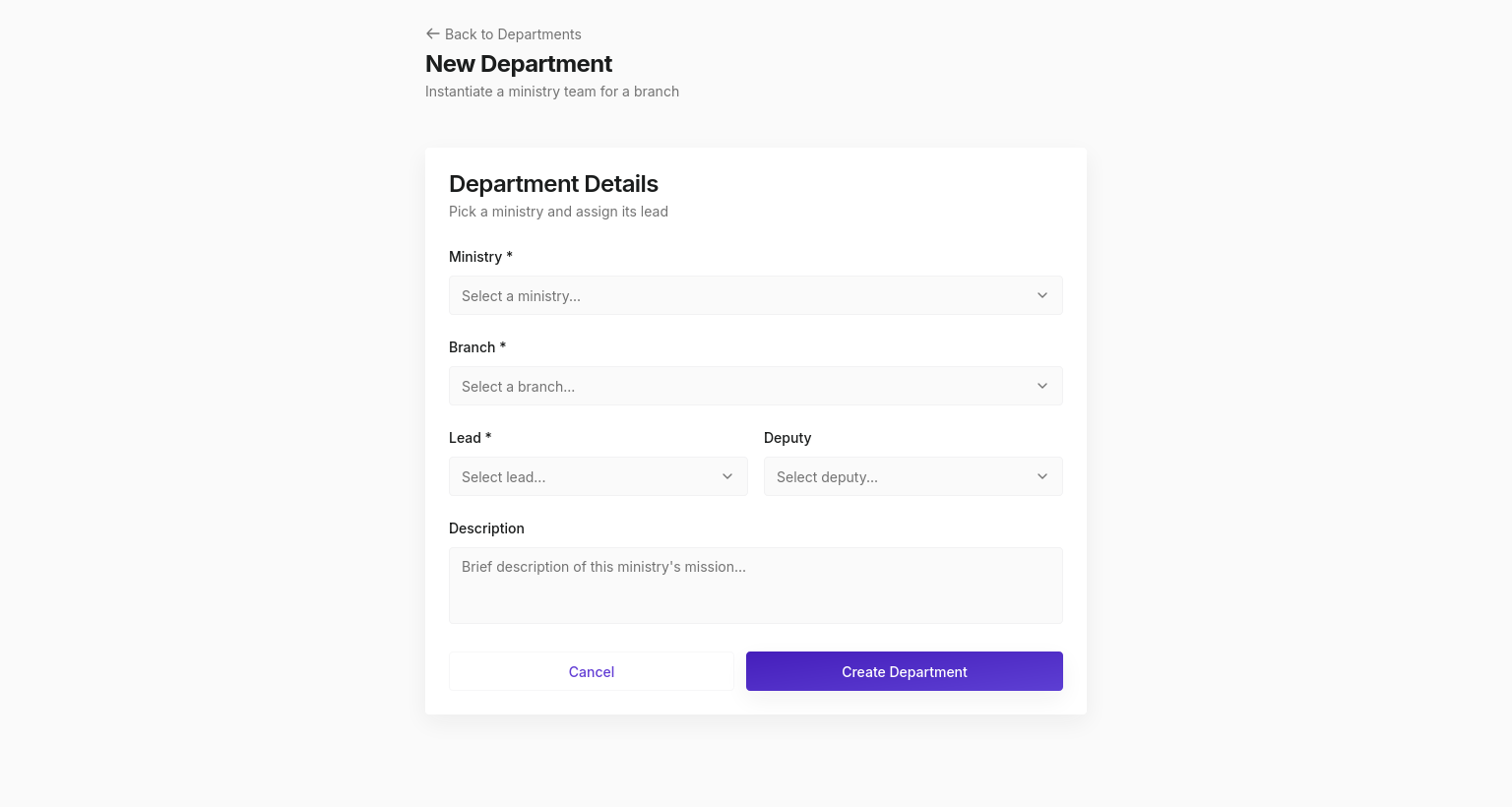
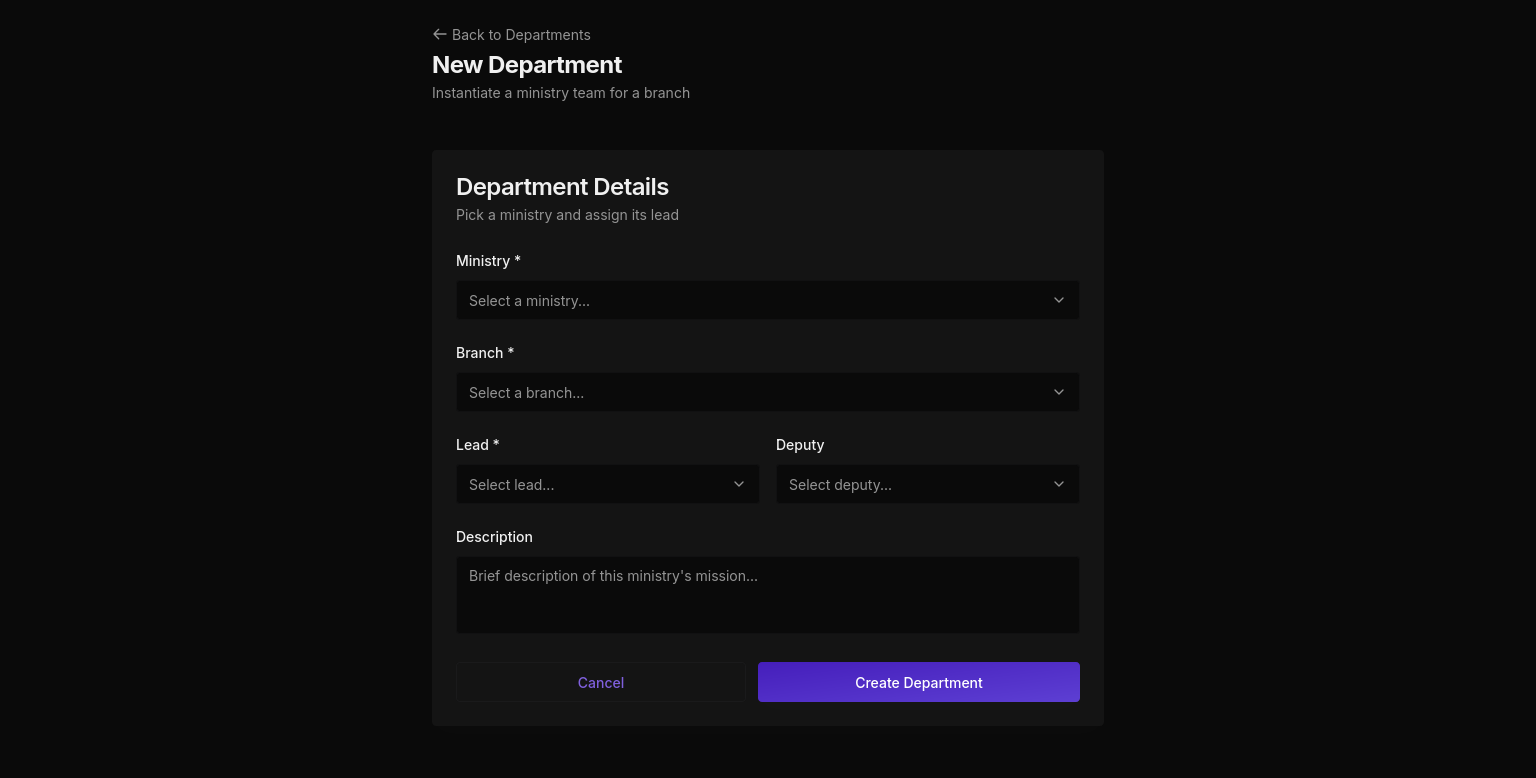
Go to Departments → + New Department. Select the ministry type (Choir, Ushers, Admin, Hospitality, etc.), assign a lead member, and optionally a deputy.
Step 7: You're ready
With branches, members, fellowships, and departments in place, your team can start recording attendance, tracking outreach, and managing the discipleship pipeline.