Forms & Data Capture
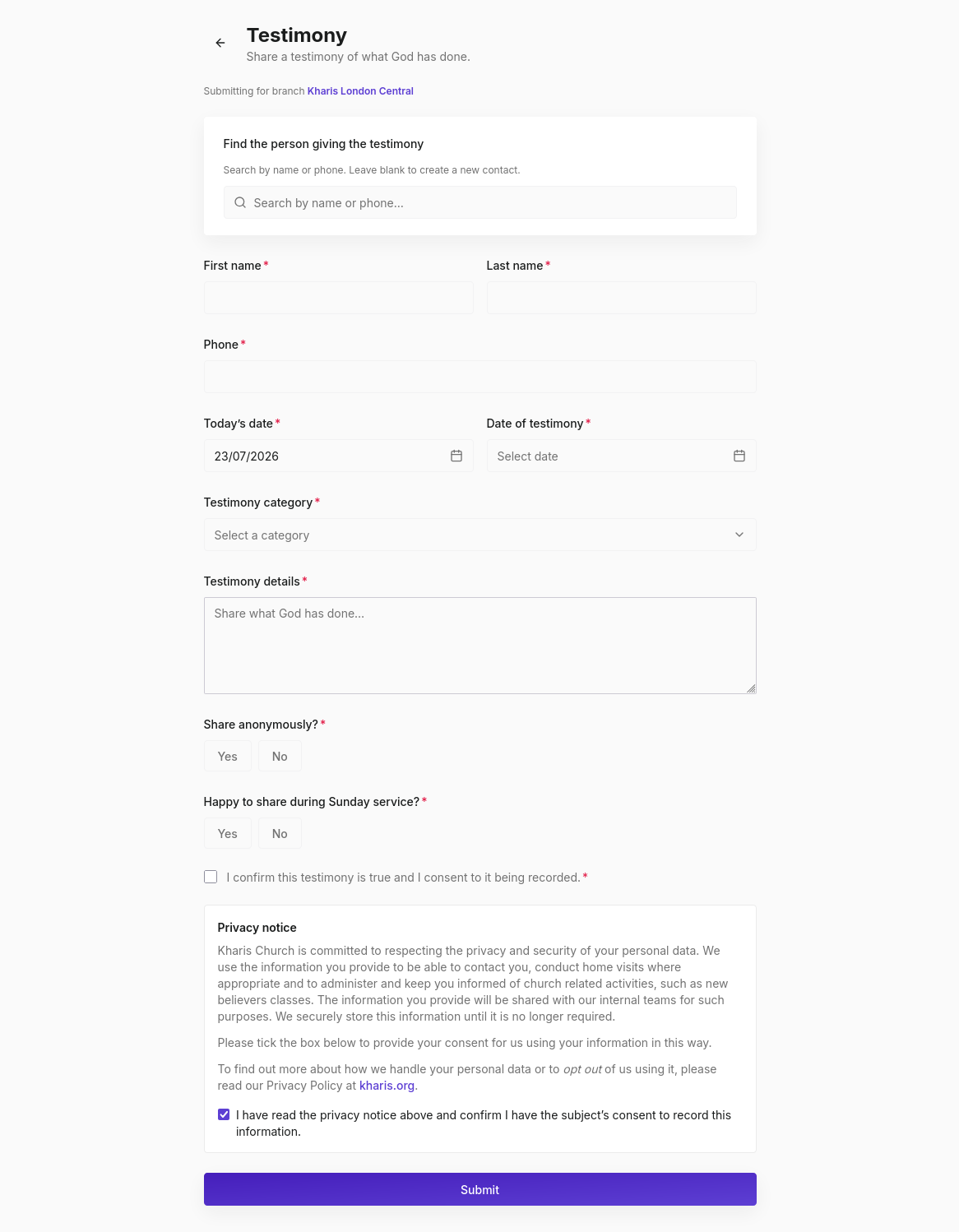
The Forms page is where front-desk data capture happens. It covers altar call responses, baptism and dedication requests, first-time visitor intake, and testimonies.
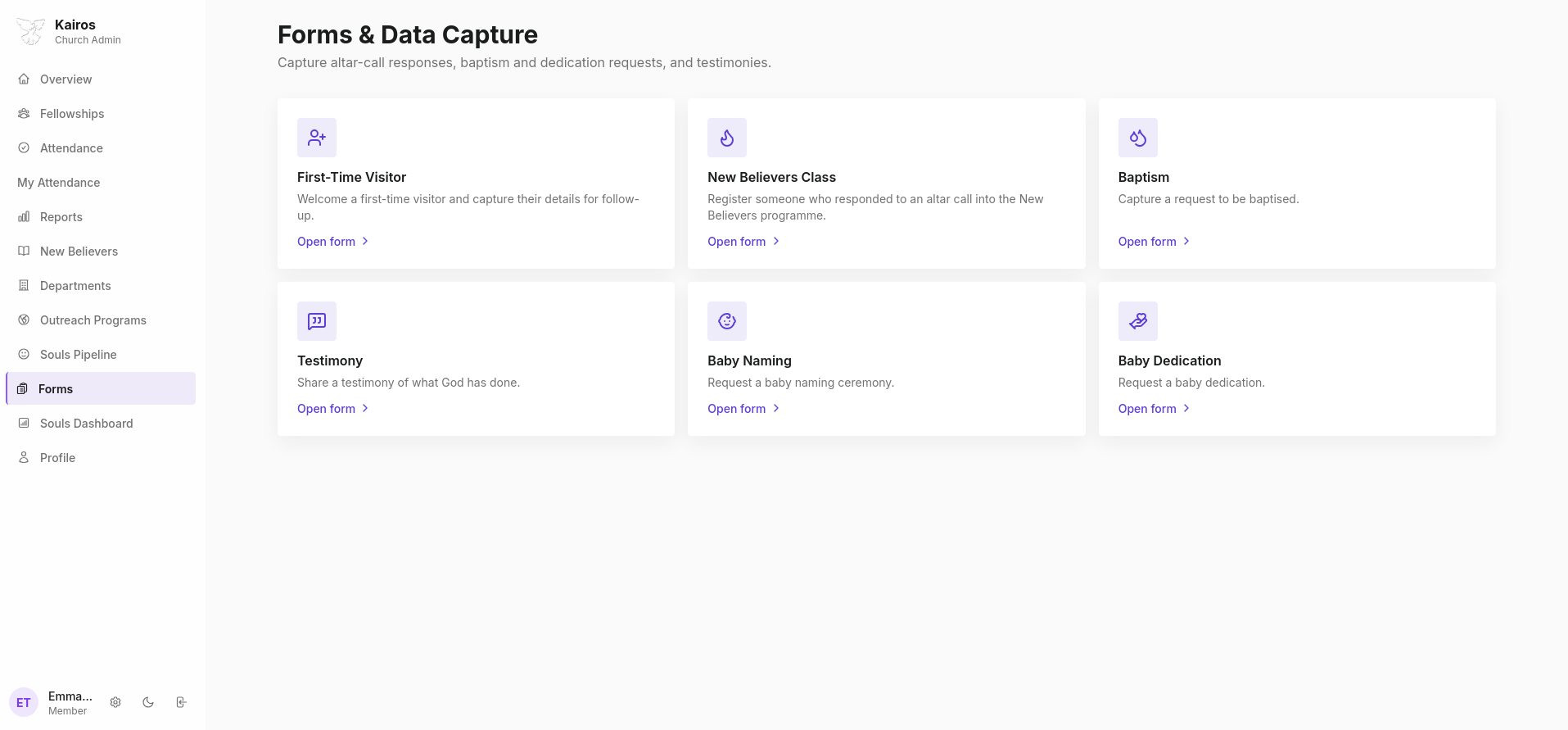
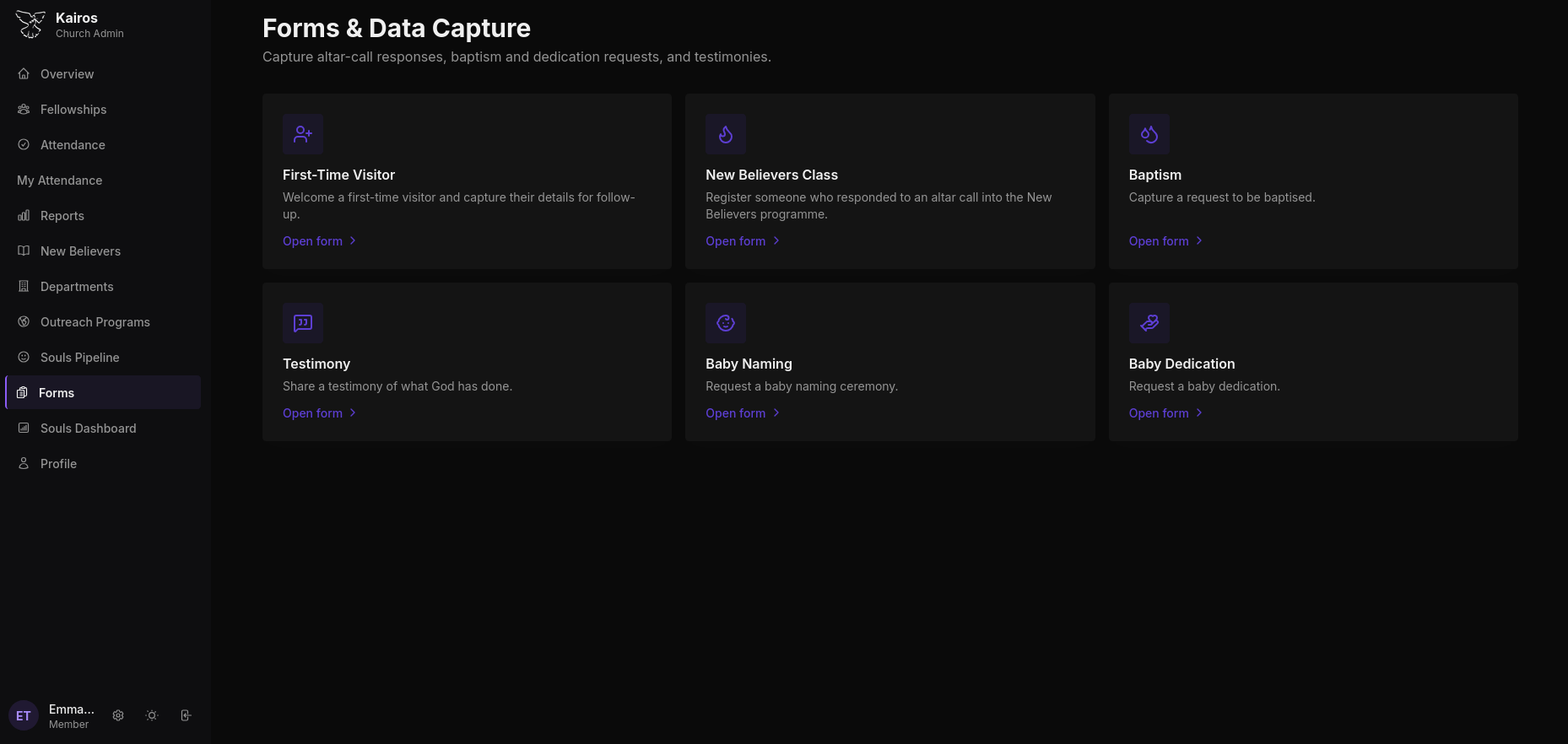
Available forms
| Form | Purpose |
|---|---|
| First-Time Visitor | Welcome a visitor and capture their details for follow-up |
| New Believers Class | Register someone who responded to an altar call into the discipleship programme |
| Baptism | Capture a request to be baptised |
| Testimony | Share a testimony of what God has done |
| Baby Naming | Request a baby naming ceremony |
| Baby Dedication | Request a baby dedication |
Click Open form → on any card to open that form.
Admin and Pastor access only
All six forms are accessible to Admins and Pastors only. Leaders who are part of the Admin department can also review front-desk form submissions. Regular members cannot access the Forms page.
Form Submissions
Click Submissions under the Administration section to review all captured forms.
Filtering submissions
| Filter | Options |
|---|---|
| Form type | All forms, First-Time Visitor, New Believers Class, Baptism, Testimony, Baby Naming, Baby Dedication |
| Status | All statuses, Pending, Reviewed, Actioned |
| From / To | Date range |
Exporting submissions
Click Export CSV to download all filtered submissions as a spreadsheet. Useful for follow-up workflows outside the system.
Dormant Attendees
Click Dormant attendees to bulk-archive stale form-created contact shells: people who came through a visitor or altar call form but have had no further engagement. This keeps the member directory clean without permanently deleting any records.
How form submissions connect to other modules
- New Believers Class submission → automatically creates an enrolment in the New Believers pipeline
- First-Time Visitor submission → creates a contact record for follow-up
- Baptism submission → creates a request that appears in the admin review queue
- Baby Naming / Dedication → creates a request for admin scheduling