New Believers
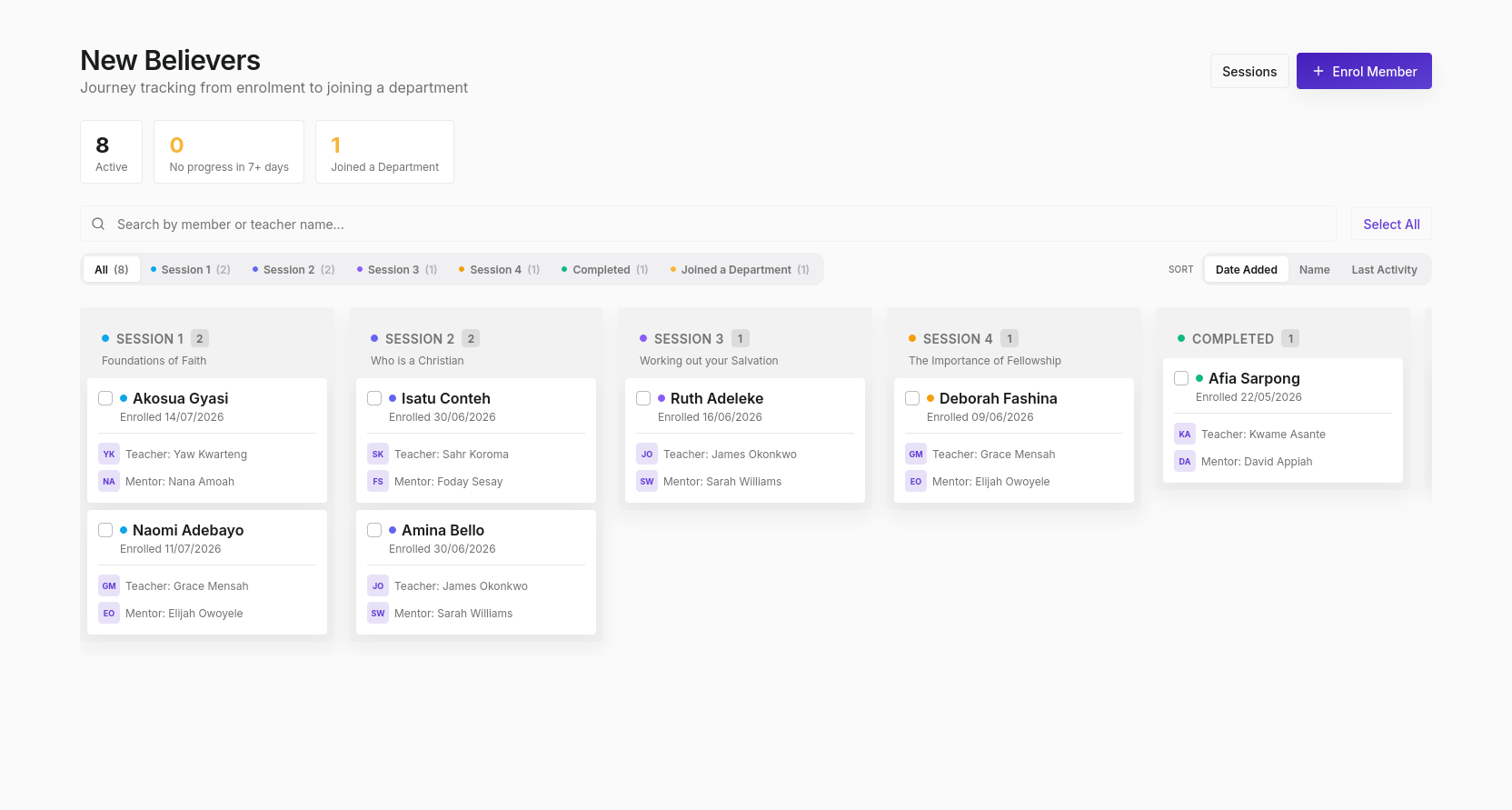
The New Believers page tracks the discipleship journey of recently converted members, from their first altar call or outreach conversion through four teaching sessions until they join a department as a full church member.
The pipeline at a glance
Three summary numbers appear at the top:
| Stat | Meaning |
|---|---|
| Active | Members currently in the pipeline |
| No progress in 7+ days | Enrollments that have stalled; need attention |
| Joined a Department | Completed the full pipeline |
Kanban board
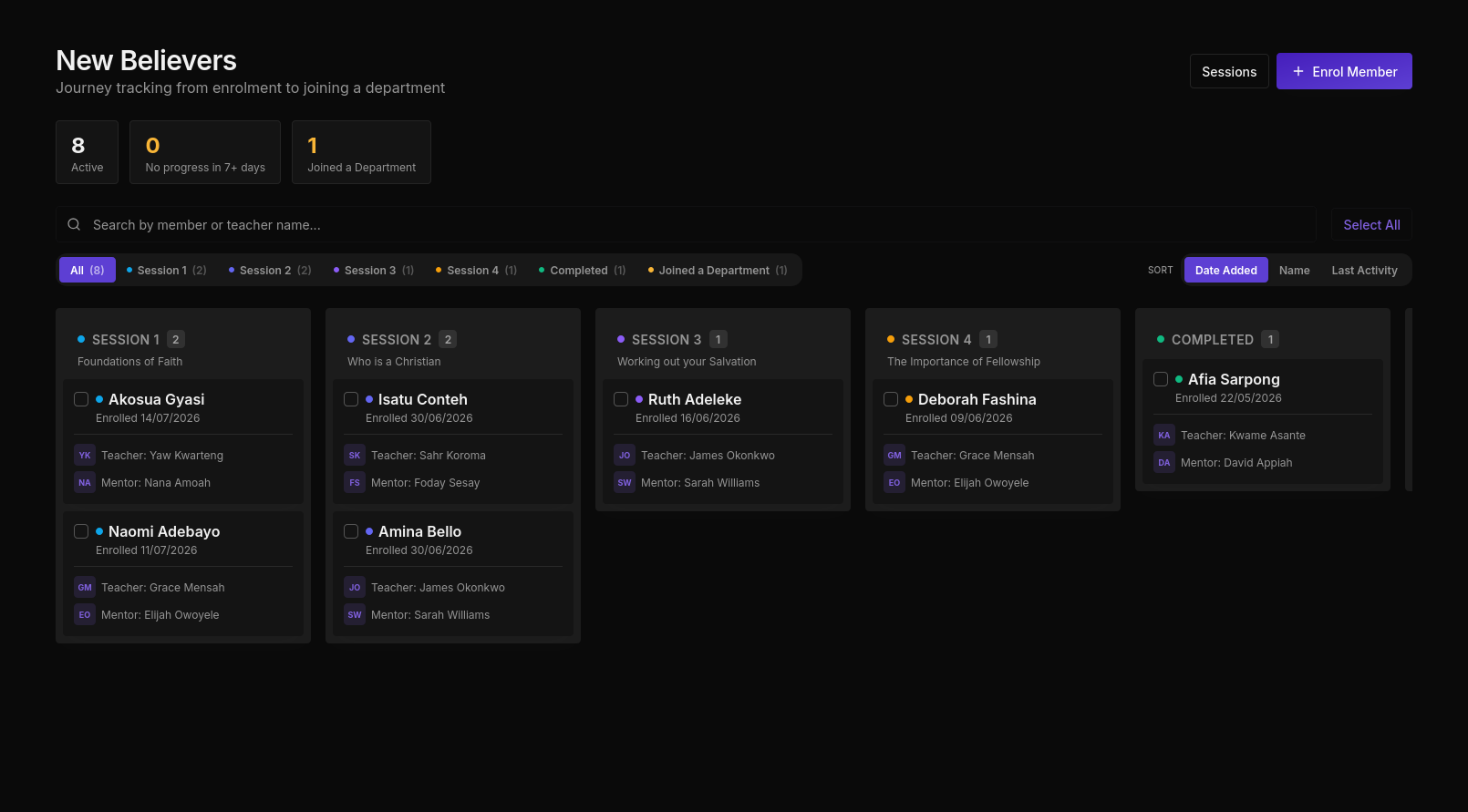
The pipeline is displayed as a Kanban board with columns for each stage:
| Stage | Description |
|---|---|
| Session 1 | Foundations of Faith |
| Session 2 | Who is a Christian |
| Session 3 | Working out your Salvation |
| Session 4 | The Importance of Fellowship |
| Completed | All sessions done |
| Joined a Department | Fully integrated into church life |
Each card shows:
- Member name and enrolment date
- Assigned teacher (with initials avatar)
- Assigned mentor (with initials avatar)
Enrolling a new believer
Click + Enrol Member to start someone on the pipeline. When a soul is marked as converted in the Souls Pipeline, an enrolment record is created automatically.
Sorting and searching
- Search by member or teacher name using the search bar
- Sort by Date Added, Name, or Last Activity
- Filter by stage using the tabs
Sessions
Click the Sessions button to manage scheduled class sessions: dates, topics, locations, and which teacher is leading each session.
Who can access New Believers
| Action | Member | Leader | Pastor | Admin |
|---|---|---|---|---|
| View pipeline | No | Yes (New Believers dept leads) | Yes | Yes |
| Enrol members | No | Yes (New Believers dept leads) | Yes | Yes |
| Advance stages | No | Yes (New Believers dept leads) | Yes | Yes |
| Record session attendance | No | Yes (New Believers dept leads) | Yes | Yes |