Branches
The Branches page shows every church location in the system. Admins see all branches across all regions. Pastors and members see their own branch context.
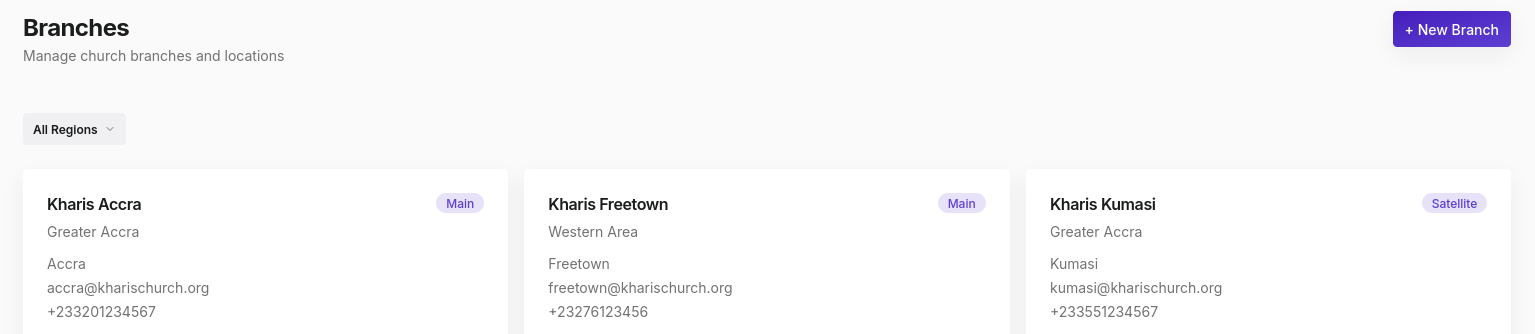
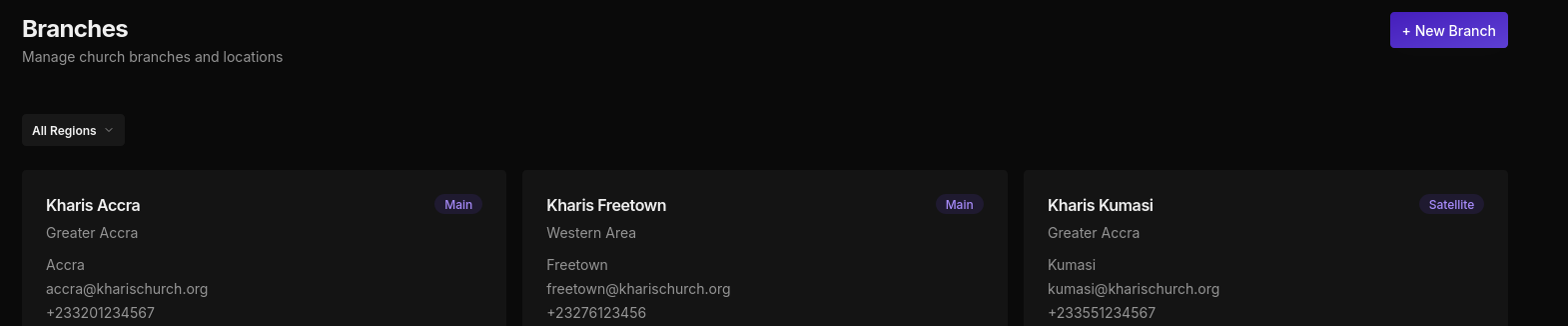
Branch cards
Each branch is displayed as a card with:
- Branch name and type badge (Main or Satellite)
- Region name
- City, email, and phone number
- A Deactivate button (Admin only)
Filtering by region
Use the All Regions dropdown at the top to filter branches by region. This is useful when you manage branches across multiple countries.
Adding a branch
Click + New Branch (Admin only) and fill in:
| Field | Required | Notes |
|---|---|---|
| Branch name | Yes | Must be unique within a region |
| Region | Yes | Must exist; create the region first |
| Branch type | Yes | Main, Satellite, Cell, Campus, or Online |
| City | No | Shown on the branch card |
| Address | No | Full street address |
| Phone | No | Must be unique across all branches |
| No | Must be unique across all branches | |
| Established date | No | Historical record |
Deactivating a branch
Deactivating a branch uses a soft delete: all member records, attendance data, and history are preserved. The branch is removed from active views but remains in the database.
Only Admins can deactivate branches.
My Branch
Members and Pastors access their own branch directly from the My Branch link in the sidebar. This page shows branch details, current leadership, and quick action links.
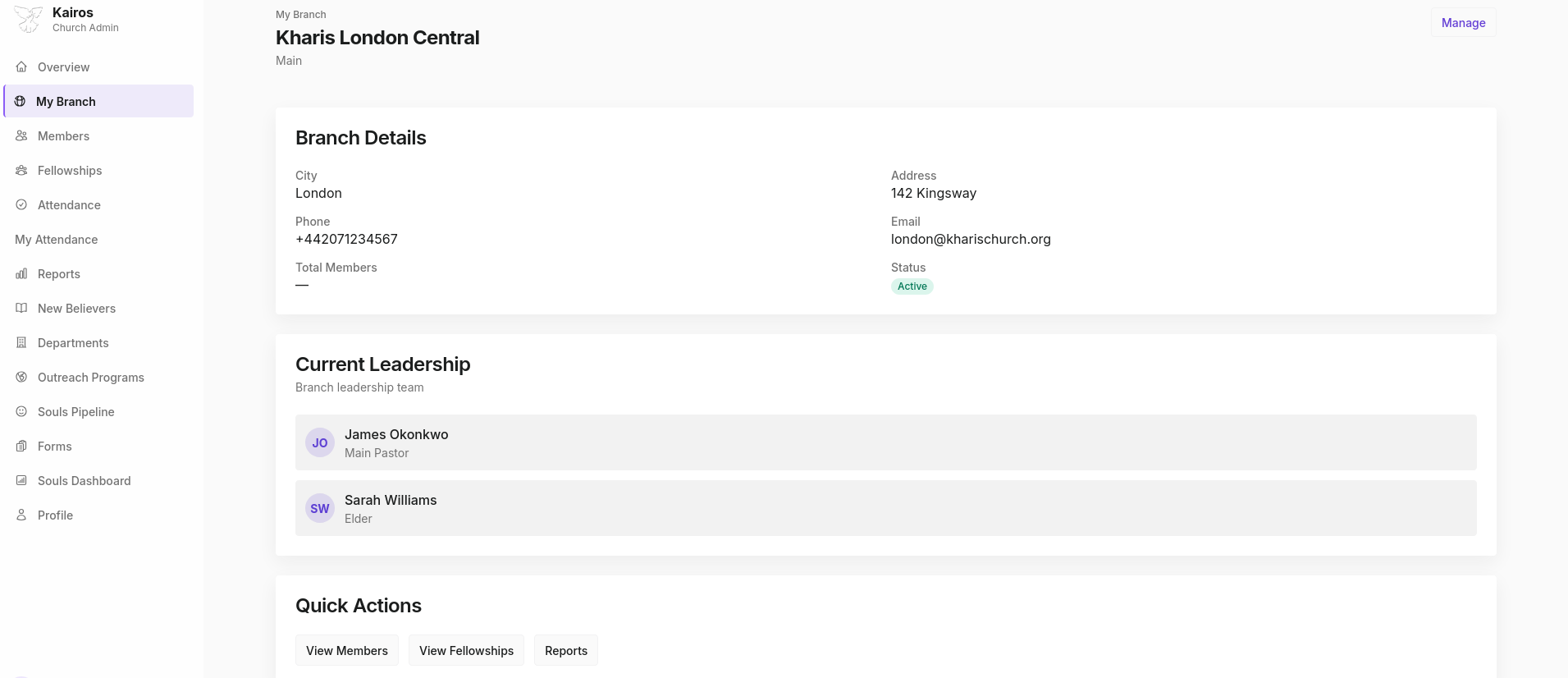
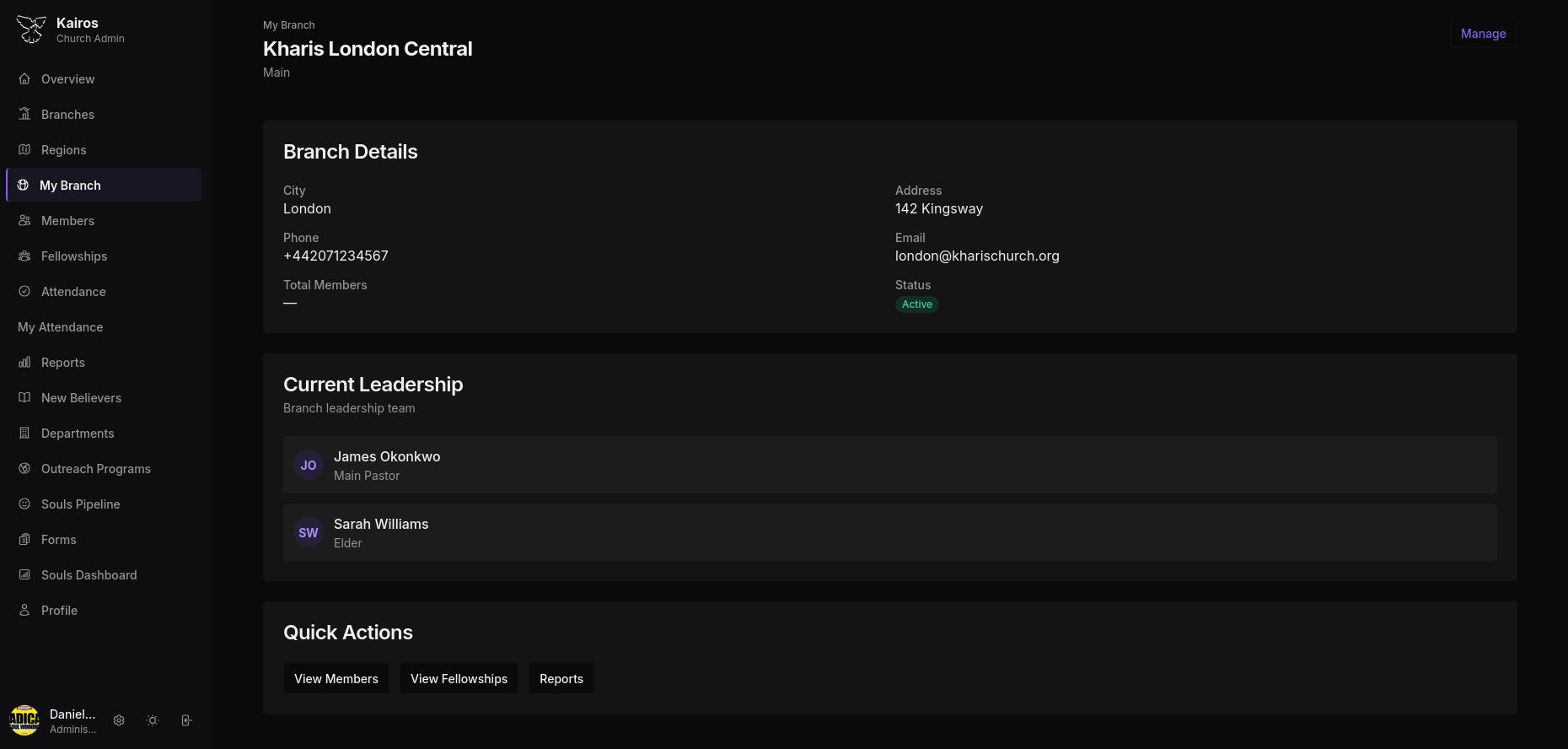
Branch Details
Shows the city, address, phone, email, total members, and active status.
Current Leadership
Lists the current Main Pastor and any Elders assigned to the branch, shown with their names and roles.
Quick Actions
Shortcut buttons to View Members, View Fellowships, and Reports for the branch.