Profile
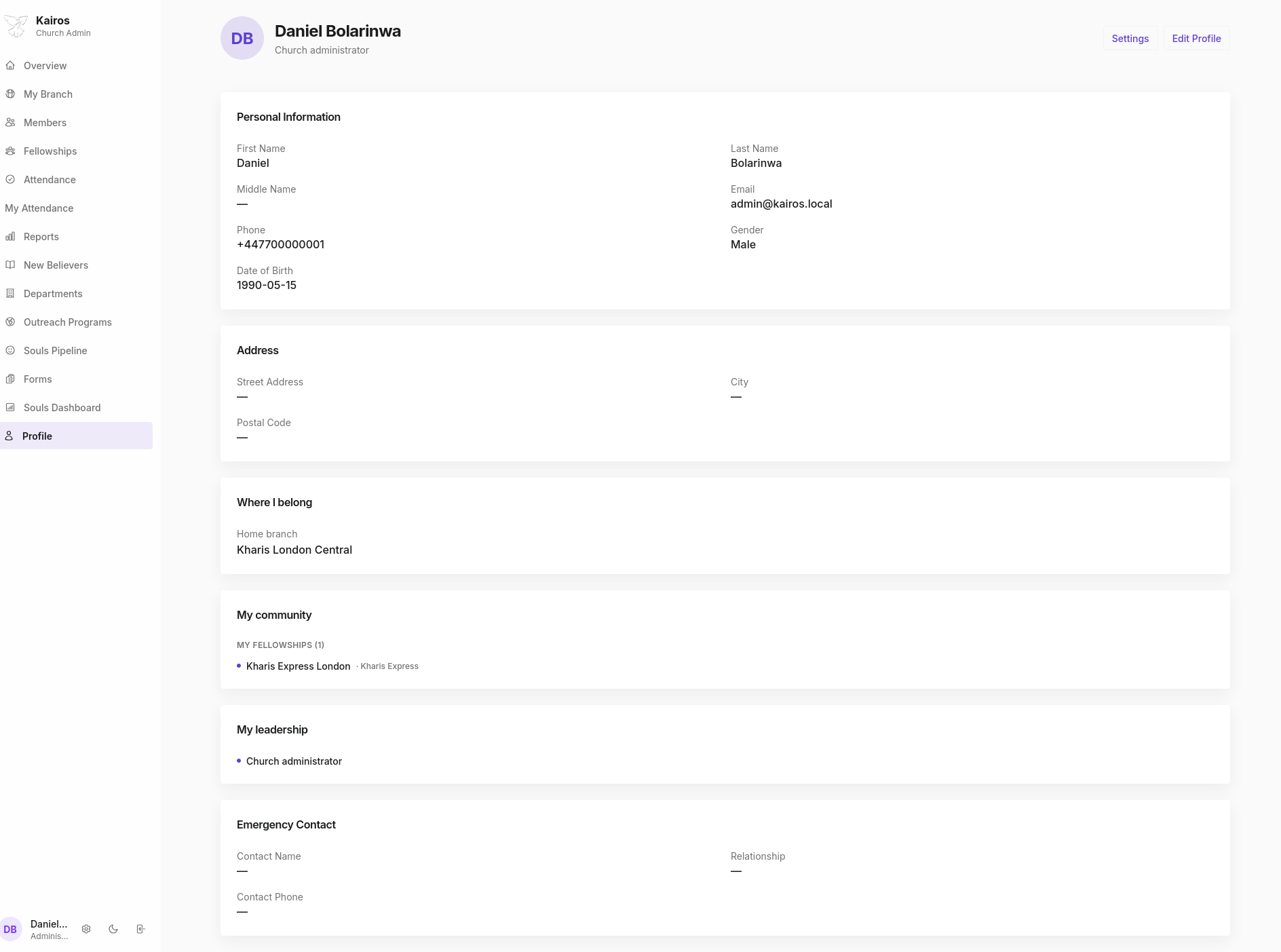
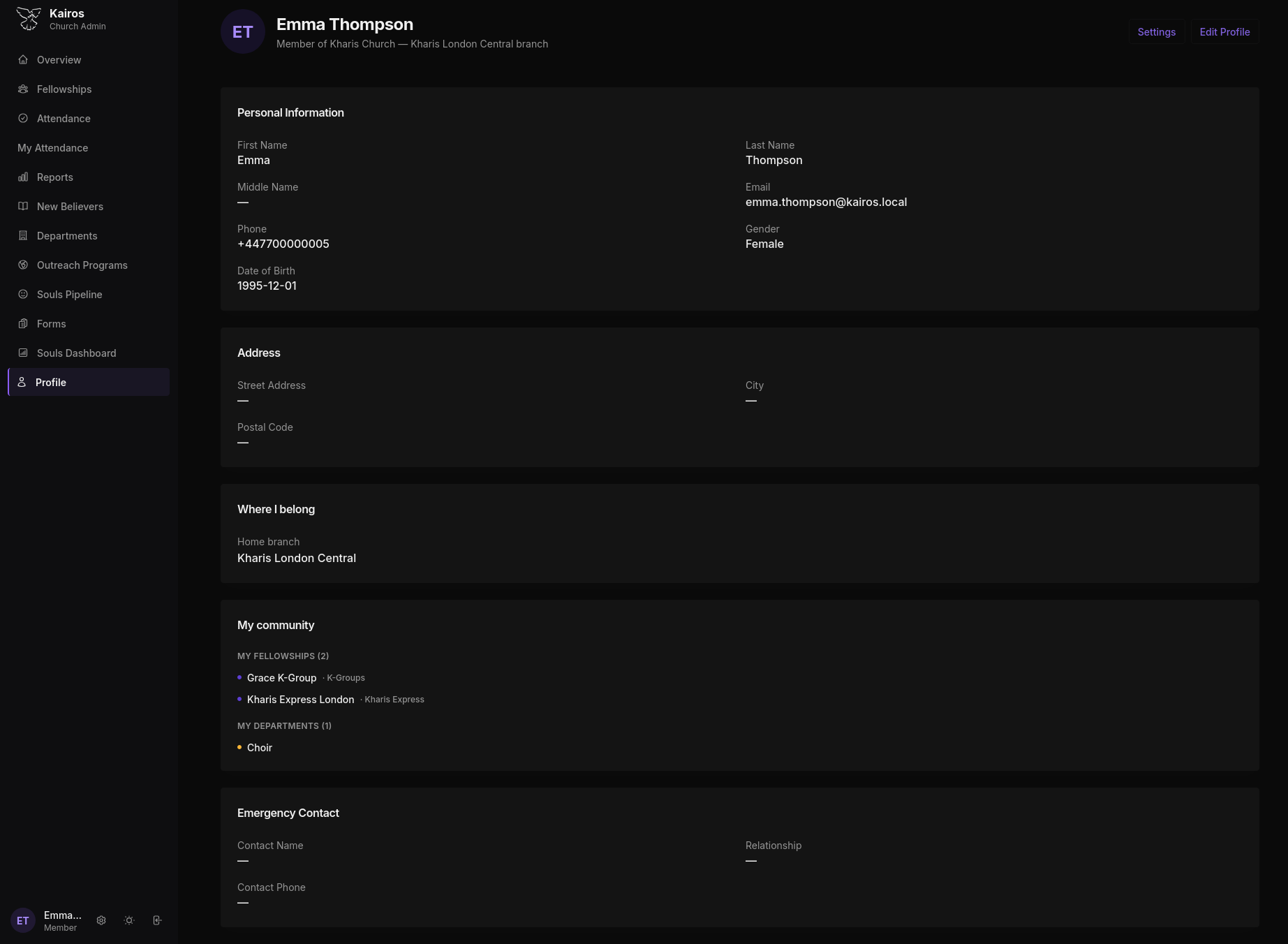
Your Profile page shows your personal information, your place in the church, and your leadership roles. Every user in Kairos has a profile.
Sections
Personal Information
| Field | Notes |
|---|---|
| First Name / Last Name | Your full name as registered |
| Middle Name | Optional |
| Your login email | |
| Phone | Contact number |
| Gender | Male or Female |
| Date of Birth | Used for birthday records |
Address
Street address, city, and postal code. This is used for safeguarding and member contact purposes.
Where I belong
Shows your home branch, the branch you are registered under.
My community
Lists the fellowship(s) you are currently a member of, with the fellowship type badge.
My leadership
Shows any functional roles you hold, for example "Church administrator", "Fellowship Leader, Kharis Express London", or "Department Lead, Choir".
Emergency Contact
Name, relationship, and phone number for your emergency contact. Only visible to you, your pastor, and admins.
Editing your profile
Click Edit Profile in the top-right corner to update your personal information. Members can edit their own profile at any time. Pastors and Admins can edit any member's profile from the Members page.
Settings
Click Settings in the top-right to access your App Settings.
What members can see
Every user can see their own complete profile. Members cannot view other members' profiles. Pastors can view all profiles in their branch. Admins can view all profiles across all branches.