Souls Pipeline
The Souls Pipeline is the operational view for managing every person captured through outreach. It shows where each soul is in their journey and makes it easy to log follow-ups and track progress.
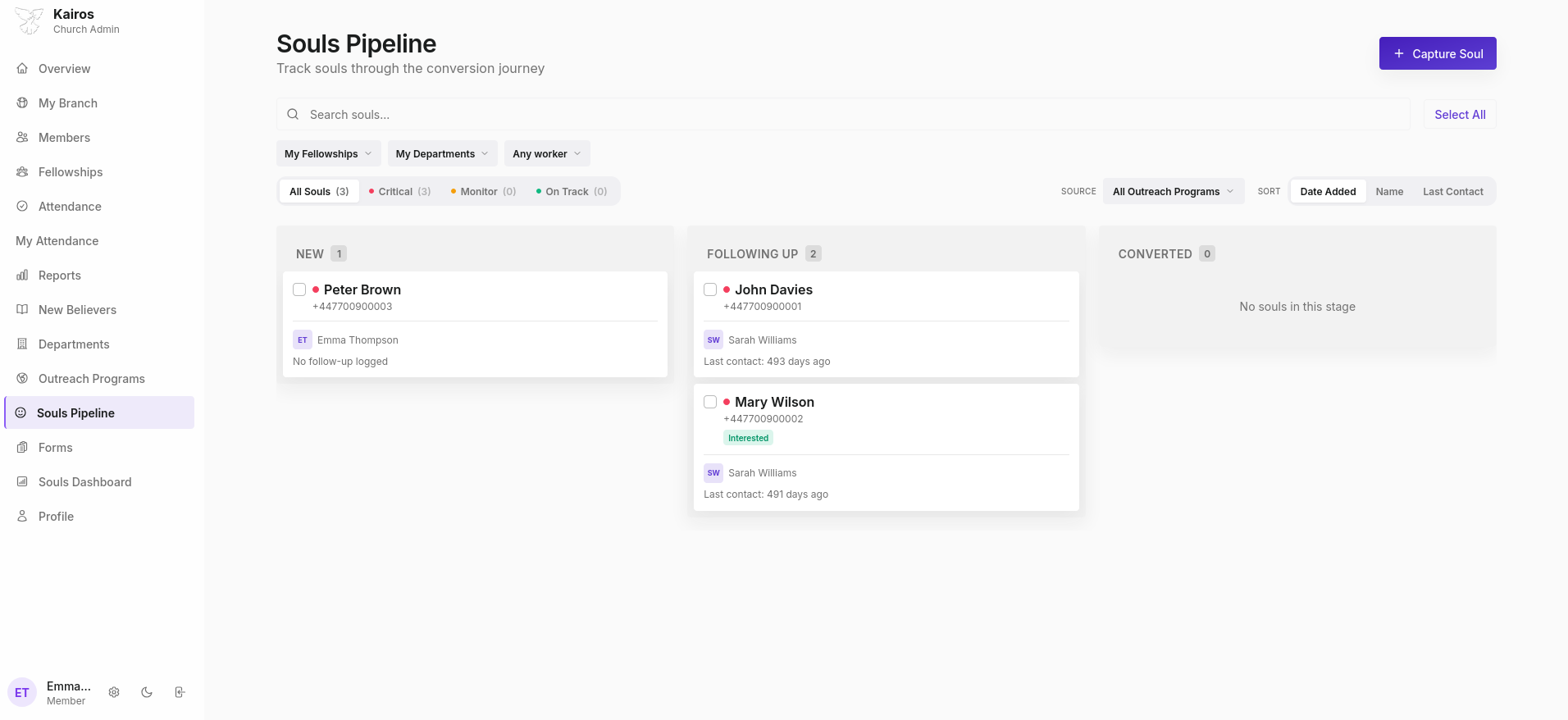
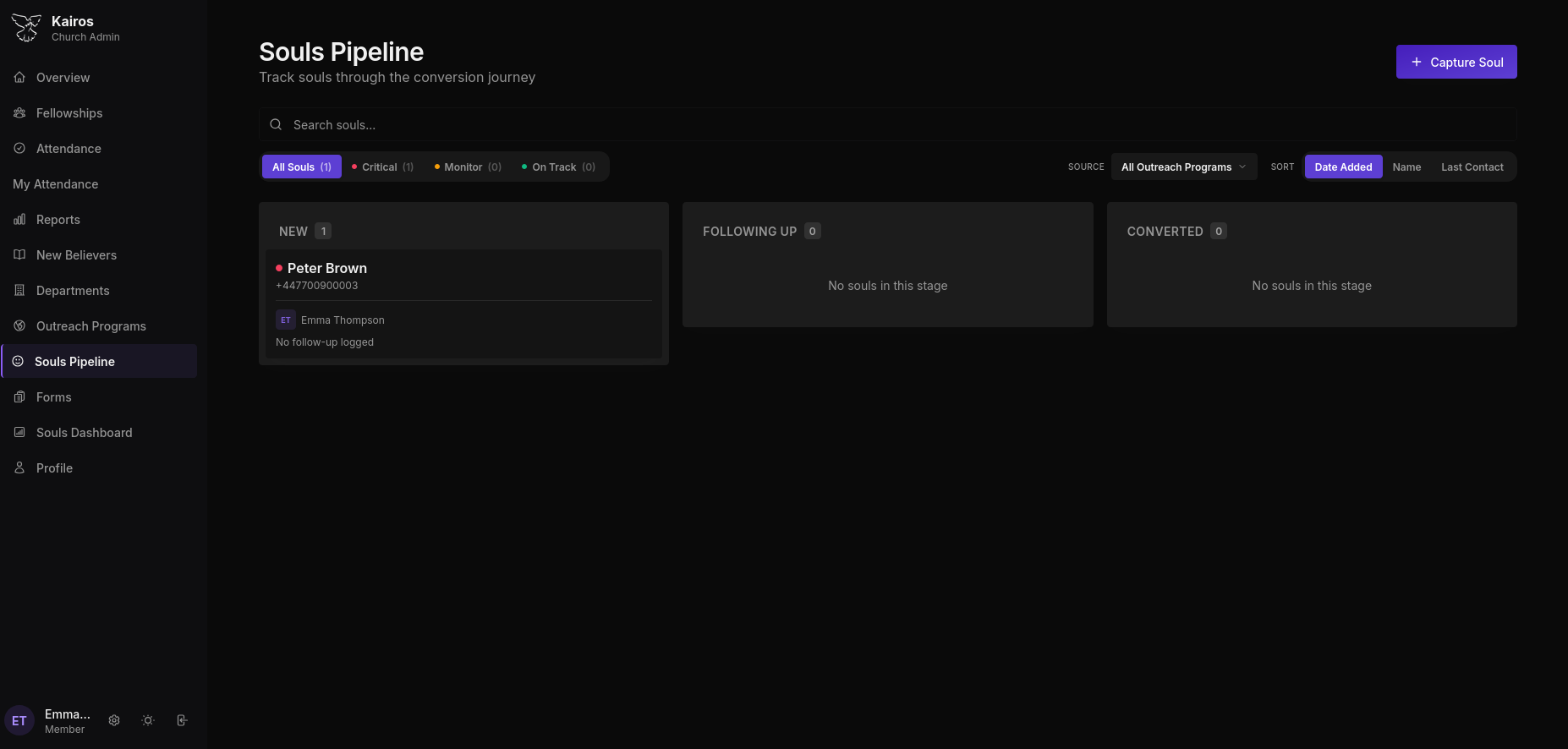
Pipeline stages
Souls move through four stages:
| Stage | Meaning |
|---|---|
| New | Just captured; no follow-up logged yet |
| Following Up | Active contact has been made |
| Interested | Showing genuine interest in the faith |
| Converted | Made a decision; ready for New Believers enrolment |
A fifth outcome, Not Interested, exits the active pipeline but is retained in records.
Soul cards
Each card in the pipeline shows:
- Soul's name and phone number
- Assigned worker (with initials avatar)
- Last contact date or "No follow-up logged"
- Status indicator dot (colour-coded by follow-up health)
Capturing a new soul
Click + Capture Soul to add someone to the pipeline:
| Field | Notes |
|---|---|
| First name, Last name | Required |
| Phone | Recommended for follow-up |
| Optional | |
| Gender | Optional |
| Age range | Optional |
| Outreach program | Link to the program where they were reached |
| Address / City | Optional |
| Notes | Any initial context |
The soul is automatically assigned to the member who captures them. It can be reassigned to a different worker if needed.
Logging a follow-up
Open a soul card and add a follow-up entry:
- Date and time
- Contact method: Phone Call, Text Message, Email, WhatsApp, In-Person Visit, Other
- Outcome: Successful, No Answer, Wrong Number, Call Back Later, Not Interested, Interested
- Duration in minutes
- Notes
- Next follow-up date
Filtering the pipeline
| Filter | Options |
|---|---|
| Branch | All Branches or specific branch (Admin only) |
| Fellowships | My Fellowships or specific |
| Departments | My Departments or specific |
| Worker | Any worker or specific member |
| Source | All Outreach Programs or specific program |
Sort by Date Added, Name, or Last Contact.
Follow-up health indicators
- Critical: no contact in 7+ days
- Monitor: contact made but no progress
- On Track: recent, productive follow-up
Moving to New Believers
When a soul is marked as Converted, an enrolment is automatically created in the New Believers pipeline.